

Use a random date generator for testing to create a small batch of dates, then turn the output into deliberate test cases. Keep machine-readable dates in YYYY-MM-DD, add separate cases for month ends and leap days, and record the start date, end date, filter, uniqueness setting, and format with every fixture.
01 / PURPOSE
What a random date generator for testing should produce
A random date generator for testing creates more than a date-shaped string. A fixture has a reason for existing: a registration date, a booking window, a renewal deadline, a report filter, or an event that must be sorted. A generator gives you variation quickly, but your test design decides what that variation should prove. Start by naming the field and the behavior you want to exercise.
For example, a list sorted by created_at should contain dates from different months, not the same January value repeated on every row. A booking form should receive dates before, inside, and after the allowed window. An age rule should be tested on the day before a birthday, the birthday itself, and the day after. Random selection is the input step; the assertion is still your responsibility.
- Name the field or feature that will receive the date.
- Define the behavior that should remain true for every generated value.
- Decide which dates must be deliberately added rather than left to chance.
02 / DATE MODEL
Decide whether the field is a date, a time, or a timestamp
Before generating anything, identify what the application means by the field. A calendar date such as a due date has no time zone. A timestamp such as created_at has a time and usually needs an explicit zone. A date-time picker combines both and may need daylight-saving rules. Passing a date-only value through a local midnight timestamp can shift it by one day when another zone reads it.
For date-only fields, prefer an ordered value such as 2026-11-18 when the value will be stored, sorted, compared, or sent through an API. Keep a long human-readable version for screenshots and manual review. US and European numeric forms are useful for display tests, but they are ambiguous to parsers: 03/04 can mean March 4 or April 3. Test both the display and the parser contract.
| Format | Good fit | Review point |
|---|---|---|
| YYYY-MM-DD | Database fields, APIs, fixtures | Unambiguous and sorts as text when values are valid. |
| MM/DD/YYYY | US-facing display | Test that the parser is explicitly US-based. |
| DD/MM/YYYY | Many regional displays | Test locale settings instead of guessing from the string. |
| Long date | Screenshots, email, reports | Check month names, accessibility text, and wrapping. |
| Date and time | Logs, bookings, event records | Add a time zone and daylight-saving test separately. |
03 / RANGE DESIGN
Use inclusive boundaries instead of a vague date span
Write the range as two concrete endpoints. The Random Date Generator treats the From and To dates as inclusive, so a one-day range has one eligible value and a full-year range includes January 1 and December 31. That rule is easy to explain in a test plan and easy to verify in an assertion. If your application uses an exclusive upper bound, convert the fixture or state that difference clearly.
A broad range is good for finding ordinary variation, but it is not enough for boundary coverage. Narrow ranges around a month end, a year change, or a minimum-age threshold make the expected result obvious. Use one batch for realistic spread and a second, hand-selected set for exact edges. This prevents a lucky random sample from creating false confidence.
- Wide range: check sorting, grouping, pagination, and representative distribution.
- Short range: check inclusive endpoints and count limits.
- Boundary range: check month ends, year ends, leap days, and business rules.
- Empty range: check the error shown when a weekday filter leaves no eligible dates.
04 / GENERATION
Create realistic samples without losing control
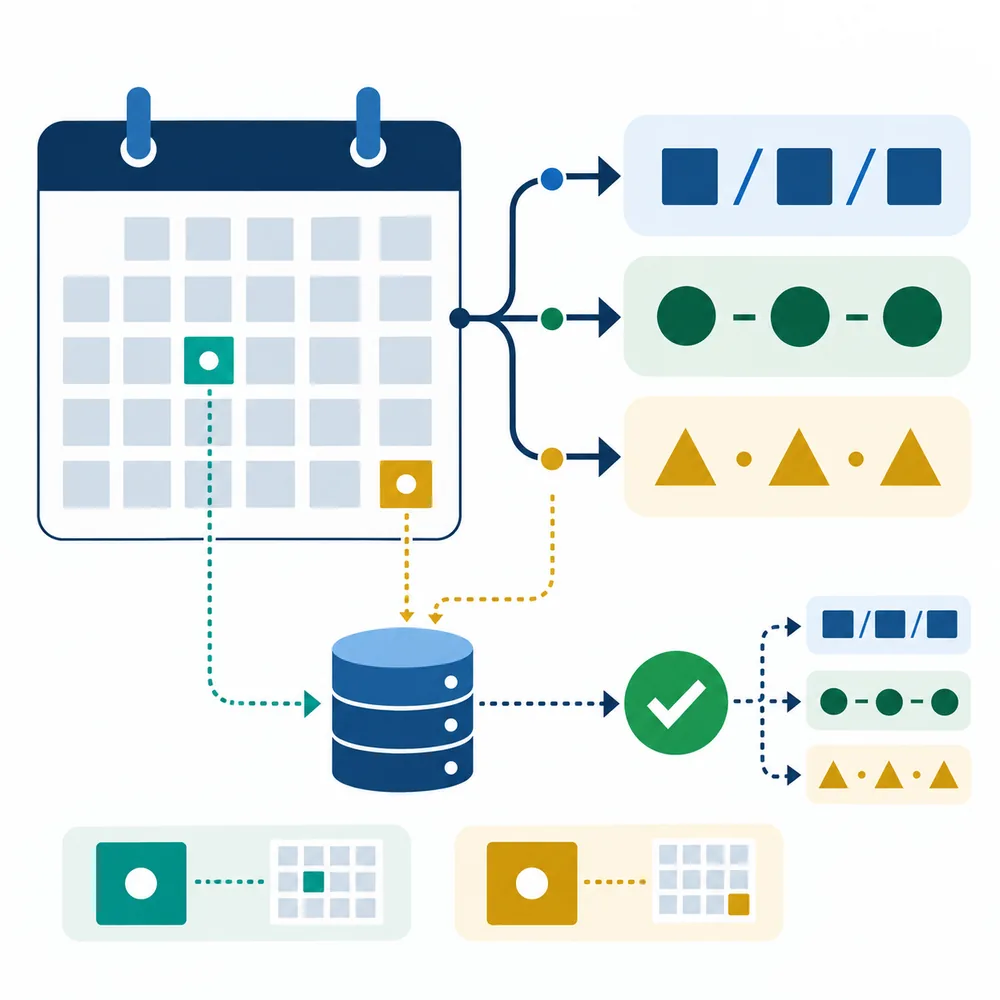
Set a small count first. Five to twenty dates are usually enough to inspect a fixture by hand, while a larger batch can populate a staging table or exercise pagination. Keep dates unique when the product expects distinct events. Turn uniqueness off only when repeated values are part of the behavior you are testing, such as duplicate imports or several records created on the same day.
Apply weekday or weekend filters before you judge the output. A weekday filter is a calendar rule, not a holiday calendar; Monday may still be a public holiday or a company closure. If the application has country-specific working-day logic, generate ordinary weekdays and then add a separate holiday dataset from the product's own source of truth.
- Generate one small batch for inspection before loading a larger fixture.
- Use unique results for distinct rows and repeated results for duplicate-handling tests.
- Use YYYY-MM-DD for machine input and a long date for human review.
- Copy the range and filter settings beside the result list.
05 / EDGE CASES
Add the dates that random sampling may miss
Random samples are valuable because they reveal ordinary variation, but rare dates need explicit coverage. Add February 29 in a leap year and a nearby February 28 or March 1. Add the final day of a 30-day month and the final day of a 31-day month. Include December 31 and January 1 when a report or subscription crosses a year boundary.
For age or eligibility rules, calculate the boundary from the product requirement and test both sides. A person who turns 18 today is different from a person whose birthday is tomorrow. For billing and renewal logic, test the exact expiry date, the instant before it, and the first valid date after it. The random generator can supply the surrounding calendar values; your test plan must identify the assertion.
- Leap day: February 29 in a leap year, plus the adjacent days.
- Month ends: February, April, June, September, and a 31-day month.
- Year ends: December 31, January 1, and the product's reporting cut-off.
- Rule boundaries: the day before, exact day, and day after the business limit.
06 / REVIEW
Make the test data explainable and repeatable
A fixture is easier to maintain when a reviewer can answer four questions without opening the generator: what range was used, which dates were eligible, could a value repeat, and which format was copied? Put those answers in the fixture name or a short metadata object. For example, a test called `orders_2026Q1_unique_iso` communicates more than `random_dates_1`.
Compare the generated list with the application's real validation rules. Confirm that every date parses, that invalid strings are rejected, that the display matches the stored value, and that sorting is chronological rather than alphabetical by a localized string. A handful of assertions around the generated list is more useful than a claim that the sample is random.
- Keep range, filter, count, uniqueness, and format next to the output.
- Assert validity, parsing, ordering, display, and boundary behavior separately.
- Save a failing result as a fixture so another person can reproduce the defect.
07 / LIMITS
What generated dates can and cannot prove
Generated dates prove that your code can accept and process the values you selected. They do not prove that a schedule is available, that a holiday is valid for a country, or that a legal deadline has been interpreted correctly. Those claims require a domain-specific calendar, policy document, or authoritative source.
Finally, keep the scope honest. Use this approach for planning, examples, QA fixtures, and ordinary sampling. Use a dedicated security random source for credentials, access codes, tokens, regulated draws, or any decision that requires a formal audit trail.
A REPEATABLE CHECKLIST
Five steps from a date range to a test fixture
- Name the behaviorWrite the field, rule, or user flow that the dates will exercise.
- Choose the date modelSeparate date-only fields from date-time and time-zone behavior.
- Set an inclusive rangeEnter concrete From and To values, then choose a count and optional weekday filter.
- Add explicit edge casesInclude leap days, month ends, year ends, and the exact business-rule boundary.
- Save the contextStore the range, rules, format, and failing output beside the fixture or test report.
COMMON QUESTIONS
Random date testing FAQ
Why use a random date generator for testing?
It creates varied calendar values quickly so forms, reports, filters, APIs, and database queries are not tested with the same familiar date on every row. You still need deliberate edge cases and assertions.
Which format is best for test fixtures?
Use YYYY-MM-DD for date-only values that will be stored, sorted, compared, or sent through an API. Keep a long human-readable form for screenshots and manual checks.
Should random test dates be unique?
Use unique dates when each row represents a distinct event. Allow duplicates when you are testing duplicate handling, same-day records, or sampling with replacement.
Does a weekday filter remove public holidays?
No. It classifies Monday through Friday as weekdays and Saturday or Sunday as weekends. Holidays, closures, and country rules require a separate calendar source.
How do I test leap years and month ends?
Add explicit cases for February 29, the days around it, the final day of short and long months, December 31, and January 1. Do not wait for a rare random draw to cover them.
Can generated dates be used as security values?
No. Dates are predictable and this workflow is intended for sample data, planning, and QA. Use a security-focused random generator for passwords, tokens, and credentials.
How can another tester reproduce my sample?
Save the exact range, filter, count, uniqueness setting, format, and generated output with the test case. Reproducibility comes from the captured fixture and its context.
Reference points
These first-party references support the implementation details mentioned in this guide. The guide does not claim that a random date is a security credential or a legal record.
- MDN: Crypto.getRandomValues()Background on browser random values and their limits.
- MDN: input type=dateReference for native date inputs and their value format.
- ISO 8601 overviewWhy an ordered year-month-day form helps systems exchange dates.
READY TO MAKE A FIXTURE
Start with a clear calendar range
Generate a few dates, keep the output format explicit, and use the checklist above to turn a random sample into a test case you can review.